
For an important call, check high-speed data remaining, full-speed caps, hotspot policy and an alternate Wi-Fi option. Test the exact calling app early and keep audio-only as a fallback.
Test the whole workflow in advance
Your meeting can fail because of the app, camera, laptop VPN, hotspot routing or local network congestion—not just eSIM data availability. Test authentication and join a short internal call from the same type of connection you will use. A good speed test alone cannot verify the meeting workflow.
Reserve enough data
Estimate meeting duration and expected video resolution, then set aside a safety margin. Avoid downloading large presentations or syncing drives over the same connection immediately beforehand. Check whether the plan has a daily high-speed cap and whether a busy morning can exhaust it before an afternoon call.
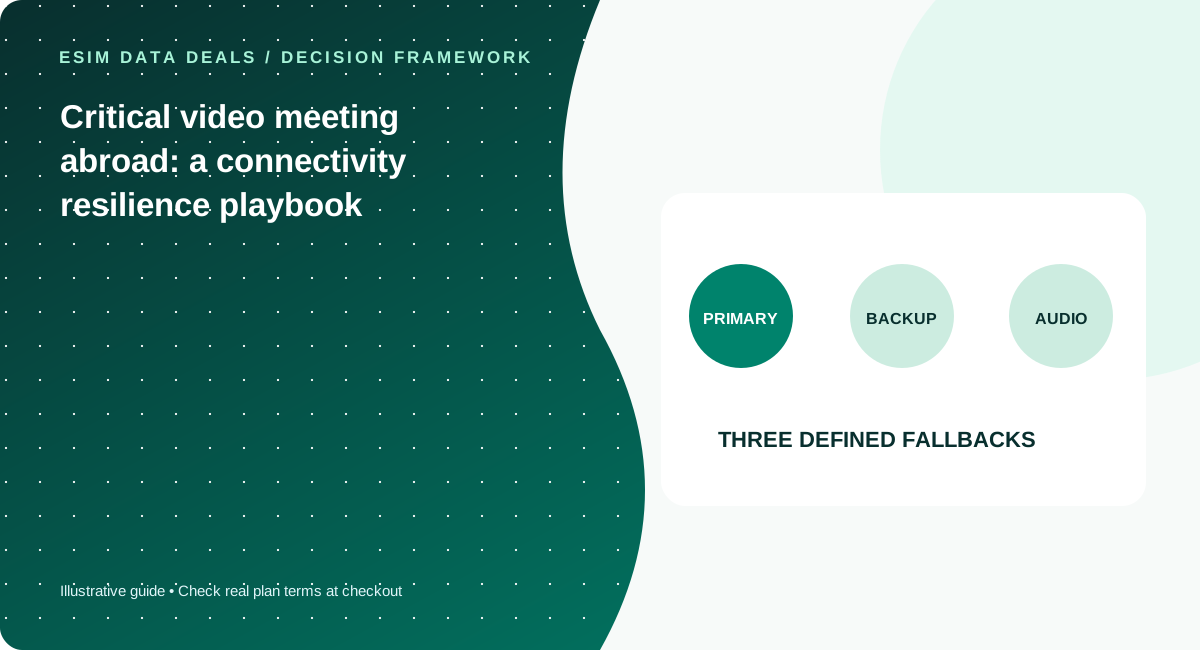
Build a fallback hierarchy
Primary connection might be hotel Wi-Fi, with travel eSIM hotspot as backup, or the reverse. Know how to switch networks quickly, ensure the laptop is charged and download the meeting phone number if one is offered. A second network can improve resilience, but two profiles on the same underlying partner network may not provide true diversity.
Share expectations rather than false certainty
No travel operator can promise consistent performance in every building, train or basement. If the call is high stakes, choose a stationary location, test at a similar time of day, and have a concise message ready to switch to audio or reschedule if connectivity fails.
Run a realistic rehearsal
A day before an important meeting, test the full workflow: your laptop or phone, VPN, conferencing app, microphone, camera, file sharing and intended mobile connection. Conduct a short call from a stationary environment similar to the meeting location, and see whether the phone receives notifications when the laptop is on hotspot. Review remaining full-speed data and the plan’s daily reset time. Download presentation files beforehand and pause sync tools. A quick browser speed test cannot show whether authentication, jitter or the application will succeed. If you need a stable identity for a dial-in number, confirm your home SIM and calling charges separately; a data-only travel eSIM generally does not give you a new voice number. You want a reliable procedure, not a claim that any one eSIM guarantees perfect calls.
Make the fallback explicit
Write down the primary connection, the alternative Wi-Fi or cellular connection, and an audio-only path. If a second eSIM is involved, check whether it shares the same underlying network partner as the first, since two brands are not necessarily network-diverse. Keep the device charged and know how to switch input and output devices if the conferencing app loses them. If the meeting is mission-critical, choose a fixed venue with accessible power and a tested alternative; a moving vehicle or station corridor increases uncertainty. Communicate a backup contact method to participants in advance. The commercial choice then becomes clearer: prioritize enough usable full-speed data, verified hotspot permission and accessible support above slogans about “unlimited 5G.”
Five checks before you pay
- Test actual meeting software
- Reserve high-speed data for call duration
- Confirm hotspot policy
- Prepare alternate Wi-Fi/audio path
- Avoid background cloud synchronization
Common mistakes to avoid
- Do not rely on a single peak speed test
- Two eSIM brands may use the same underlying partner
- Daily high-speed caps can reset at unfamiliar times
Work with your real itinerary or quotes
Use our free in-browser calculator, then verify live plan stock, exact destination coverage and final charges directly with TripoSIM.
Commercial disclosure: we are owned by BroadNet and promote TripoSIM. No specific retail SKU or guaranteed price is represented here.
Source notes and review standard
This page is educational editorial analysis dated 5 November 2026. It does not claim field measurements, current retailer inventory, exclusive third-party quotes or verified network speeds. Confirm the exact product terms and local phone configuration before paying.
Additional context: our research methodology and editorial standards.
Continue reading
Two weeks of remote work: how many GB for laptop hotspot?
Build a sensible workday usage estimate for video meetings, cloud documents and operating-system updates.
Unlimited travel eSIMs: daily full-speed cap versus truly usable data
Understand the difference between marketing language, high-speed allowance, slowdown policy and hotspot entitlements.