
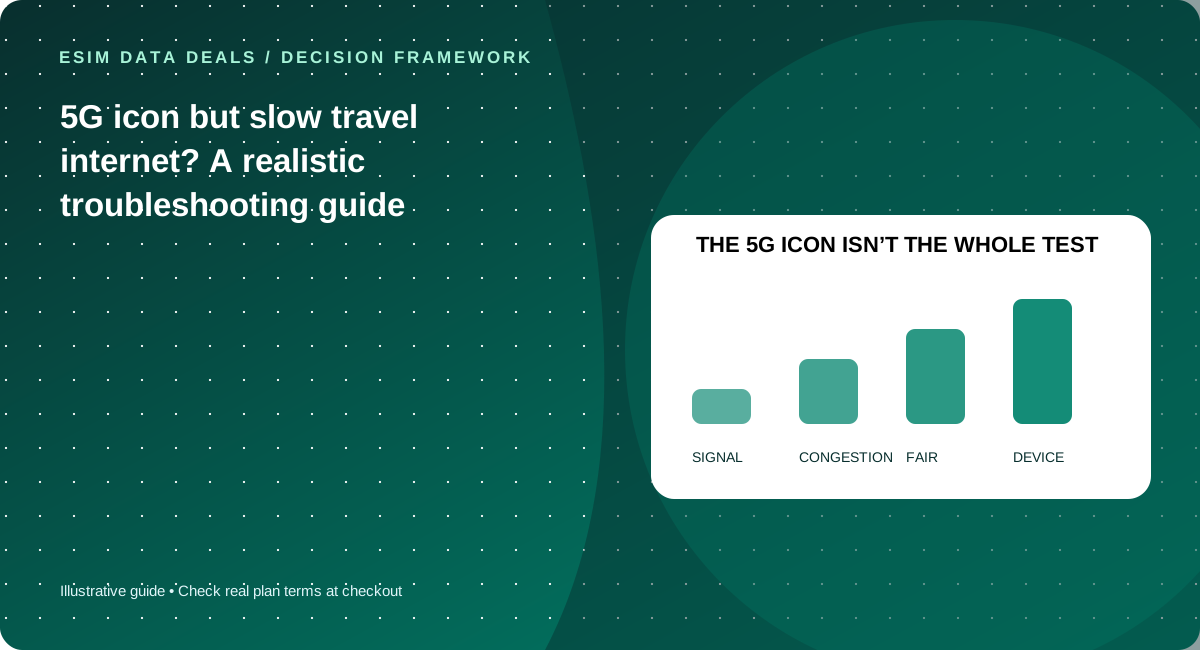
A 5G icon signals a radio connection state, not a guaranteed throughput or latency. Check signal, current high-speed entitlement, local congestion, device bands and the provider’s network rules before assuming the eSIM is defective.
Generation is not a service guarantee
5G availability depends on the local partner network, your handset’s frequency bands, location, indoor building materials, congestion and the plan’s access permissions. Being connected to a 5G radio does not mean a high-speed commercial plan is available or that every app receives the same performance.
Separate latency from download speed
A video call can fail when latency and jitter fluctuate even if a speed test briefly shows a strong download number. For a simple diagnosis, compare several tests at different times and one indoor versus outdoor location, using the same server where possible. Avoid consuming an entire small plan on repeated large speed tests.
Look for fair-use reductions
If performance degrades suddenly after heavy consumption, check whether you reached a daily high-speed threshold. Ask the provider about post-cap speeds and reset times. Do not reset or delete a profile before collecting the plan details and support guidance.
A safe troubleshooting sequence
Confirm you selected the intended data SIM, that the device is not in an aggressive data saver mode, and that local coverage exists. Briefly toggle airplane mode, restart the device if appropriate, and check whether the provider recommends a specific APN. If issues persist, record the location and time for support without sharing private credentials.
Diagnose the connection in layers
Layer one is basic connectivity: is the intended travel SIM selected for data, and are you inside the SKU’s supported countries? Layer two is radio conditions: signal strength, frequency-band compatibility and building materials can limit service even where a network advertises 5G. Layer three is network load: a busy station or conference center may behave differently from an uncrowded neighborhood. Layer four is product entitlement: fair-use thresholds or carrier restrictions can lower throughput after data consumption. Layer five is the application: a failing VPN or distant server can make a perfectly functional cellular connection feel slow. Treat these as distinct hypotheses and test one at a time rather than uninstalling the eSIM. Repeated full speed tests consume data; use small diagnostics first and save precise error messages for support.
What a support ticket should contain
Provide the time and country, exact phone and OS version, product identifier privately, network name if visible, whether the device can browse at all, and whether the issue began after a high-usage period. If a speed sample is needed, state the test method and location; do not extrapolate one result to nationwide coverage. Compare Wi-Fi and cellular behavior with the same app where possible to isolate application failure. The provider may ask you to verify APN settings, data roaming on the travel profile or the network selection. Do not share passwords or QR activation credentials with strangers. A claim such as “5G available” is meaningful only when paired with compatibility, entitlements and realistic expectations for local network variability.
Five checks before you pay
- Verify intended data SIM and local coverage
- Check cap and reset rules
- Compare indoor and outdoor service if safe
- Record time/location and diagnostics
- Contact support before deleting the profile
Common mistakes to avoid
- 5G symbol is not a speed measurement
- Repeated speed tests spend data
- A high peak download speed cannot guarantee video-call stability
Work with your real itinerary or quotes
Use our free in-browser calculator, then verify live plan stock, exact destination coverage and final charges directly with TripoSIM.
Commercial disclosure: we are owned by BroadNet and promote TripoSIM. No specific retail SKU or guaranteed price is represented here.
Source notes and review standard
This page is educational editorial analysis dated 5 November 2026. It does not claim field measurements, current retailer inventory, exclusive third-party quotes or verified network speeds. Confirm the exact product terms and local phone configuration before paying.
Additional context: our research methodology and editorial standards.
Continue reading
Hotspot connects but laptop has no internet: travel eSIM checklist
Isolate the phone connection, tethering permission and laptop settings without deleting the eSIM.
Critical video meeting abroad: a connectivity resilience playbook
Prepare for predictable video calls while traveling without promising impossible speed guarantees.